Player apps
TiviMate IPTV Player: features, devices and setup
By the IPTV Fox TV editorial teamLast reviewed 4 min read
Short answer
TiviMate is an IPTV player app for Android TV devices, built around a TV-style program guide and remote-control navigation. Like other players, it contains no channels: you add a playlist from your IPTV provider. It runs on Android TV and Google TV devices, and some Fire TV models can run it, but it isn't available for Samsung, LG, Roku or Apple devices because it's an Android app.
What TiviMate is
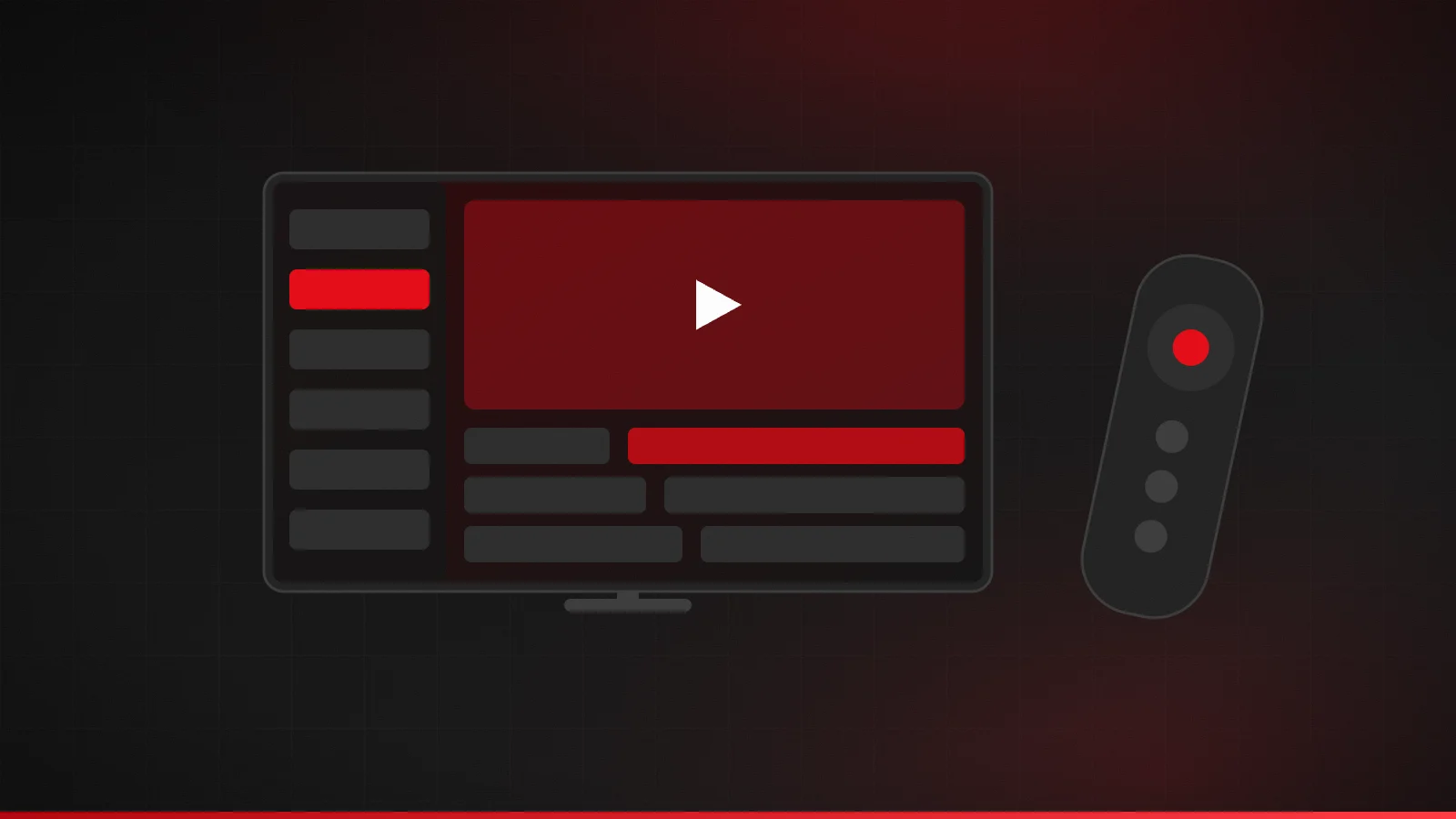
TiviMate is a media player designed for the big screen. Its layout looks and feels like a cable box: a channel list on one side, a grid guide showing what's on now and next, and controls built for a TV remote rather than a touchscreen. It's a player only. It doesn't supply TV channels; it plays the ones your IPTV provider gives you access to.
People often choose it for the guide. If your provider supplies EPG data, TiviMate displays it in a familiar grid, so browsing channels feels like traditional TV. Our EPG explainer covers how that guide data works.
Which devices can run TiviMate?
| Device | Can it run TiviMate? | Notes |
|---|---|---|
| Google TV / Android TV (Sony, TCL, Hisense, Chromecast with Google TV) | Yes | Install from Google Play on the device |
| Android TV boxes (e.g. Nvidia Shield) | Yes | Google-certified boxes have the Play Store |
| Fire TV with Fire OS | Often | Store availability varies by model; check the Amazon Appstore |
| Fire TV with Vega OS (e.g. Fire TV Stick 4K Select) | Only if offered in the Appstore | Vega OS can't install apps from other sources |
| Samsung or LG smart TVs | No | Tizen and webOS don't run Android apps |
| Apple TV, iPhone, iPad, Roku | No | Consider another player app |
| Android phones and tablets | Not recommended | Designed for TV and remote, not touch |
If your TV can't run it, a Google TV streaming device is the simplest way to use TiviMate. Our Android TV and Google TV guide and Smart TV guide explain the options.
Before you install: a quick checklist
- Confirm your device runs Android TV, Google TV or Fire OS. On Google TV, look in Settings → System → About.
- Have your login ready. You'll need either the Xtream Codes details (server URL, username, password) or the M3U link from your provider, plus the EPG link if it's separate.
- Check your connection on the TV itself. A guide-heavy app still depends on a stable stream; aim for at least 5–8 Mbps per HD channel.
- Know your connection limit. Installing TiviMate on several TVs is fine, but each one streaming at once uses a connection on your plan.
How to set up TiviMate
- On your Android TV or Google TV device, open the Google Play Store, search for TiviMate and check the publisher before installing.
- Open the app and choose Add playlist.
- Choose Xtream Codes and enter the server URL, username and password from your provider, or choose M3U playlist and enter the full link.
- Give the playlist a name and let the app load your channels.
- If the guide doesn't appear on its own, add your provider's EPG (XMLTV) link in the playlist or guide settings, then update the guide.
- Open the guide, pick a channel and test playback at the time you usually watch.
Not sure which login type you have? Xtream Codes login explained and M3U playlists explained walk through each one.
Getting the most from the guide
- Hide channel groups you never watch so the guide stays short and loads faster.
- Add favorites for quick access to the channels you use most.
- Check the time zone on your device if program times look shifted. The app uses the device clock to place guide data.
- Refresh the guide if it stops after a day or two, or set it to update automatically.
- Use catch-up only if your provider supports it. The player can't create catch-up that the service doesn't offer.
Free and premium
Multiple sources describe a free version with a paid premium tier that unlocks extra features, with premium handled through a separate companion app. We couldn't confirm current pricing or the exact feature split, so check the Play Store listing before you pay. Avoid “premium unlocked” APK files from download sites: they're unofficial, can carry malware, and see your login details.
TiviMate vs IPTV Smarters Pro
| TiviMate | Smarters Pro | |
|---|---|---|
| Best suited to | TV and remote control | Phones, tablets and TVs |
| Platforms | Android TV / Google TV | Android, Android TV, Apple devices, Samsung, web (per its developer) |
| Guide style | Cable-style grid | Section-based, with guide |
| Contains channels? | No | No |
If you watch on Apple devices or a Samsung TV, Smarters Pro has official listings there. If you mainly watch on an Android TV, TiviMate's TV-first layout is the reason many people prefer it.
Fixing common problems
- Login rejected: check the server URL, port, username and password. See common IPTV errors.
- Buffering: test your speed on the TV and try Ethernet. See how to fix IPTV buffering.
- No guide: add or refresh the EPG link and check the device time zone.
Summary
TiviMate is a TV-first IPTV player for Android TV and Google TV. It shines with a provider that supplies good guide data, but it doesn't run on Samsung, LG, Apple or Roku devices. Install it from the official store, and keep app costs separate from your subscription when comparing.
Frequently asked questions
Does TiviMate include TV channels?
No. It plays the channels from a playlist your IPTV provider gives you.
Does TiviMate work on a Fire TV Stick?
It depends on the model. Fire OS devices can often run it, but Vega OS sticks such as the Fire TV Stick 4K Select only install apps offered in the Amazon Appstore. Check the Appstore on your device first.
Can I use TiviMate on my phone?
It's designed for TVs and remote controls, so it isn't a good fit for phones. Consider a player made for touchscreens.
Sources
Related guides
IPTV Smarters Pro: what it is and how to set it up safely
What IPTV Smarters Pro (now Smarters Pro) is, where to get it from official stores, how to log in with Xtream Codes or M3U, and how to avoid look-alike sites.
5 min read
What is an EPG in IPTV?
What an EPG (program guide) is in IPTV, how XMLTV guide data works, how to add an EPG URL, and how to fix a missing or wrong-time TV guide.
4 min read
Xtream Codes login explained
What an Xtream Codes login is, what the server URL, username and password mean, how to enter them in a player app, and how to fix login errors.
4 min read