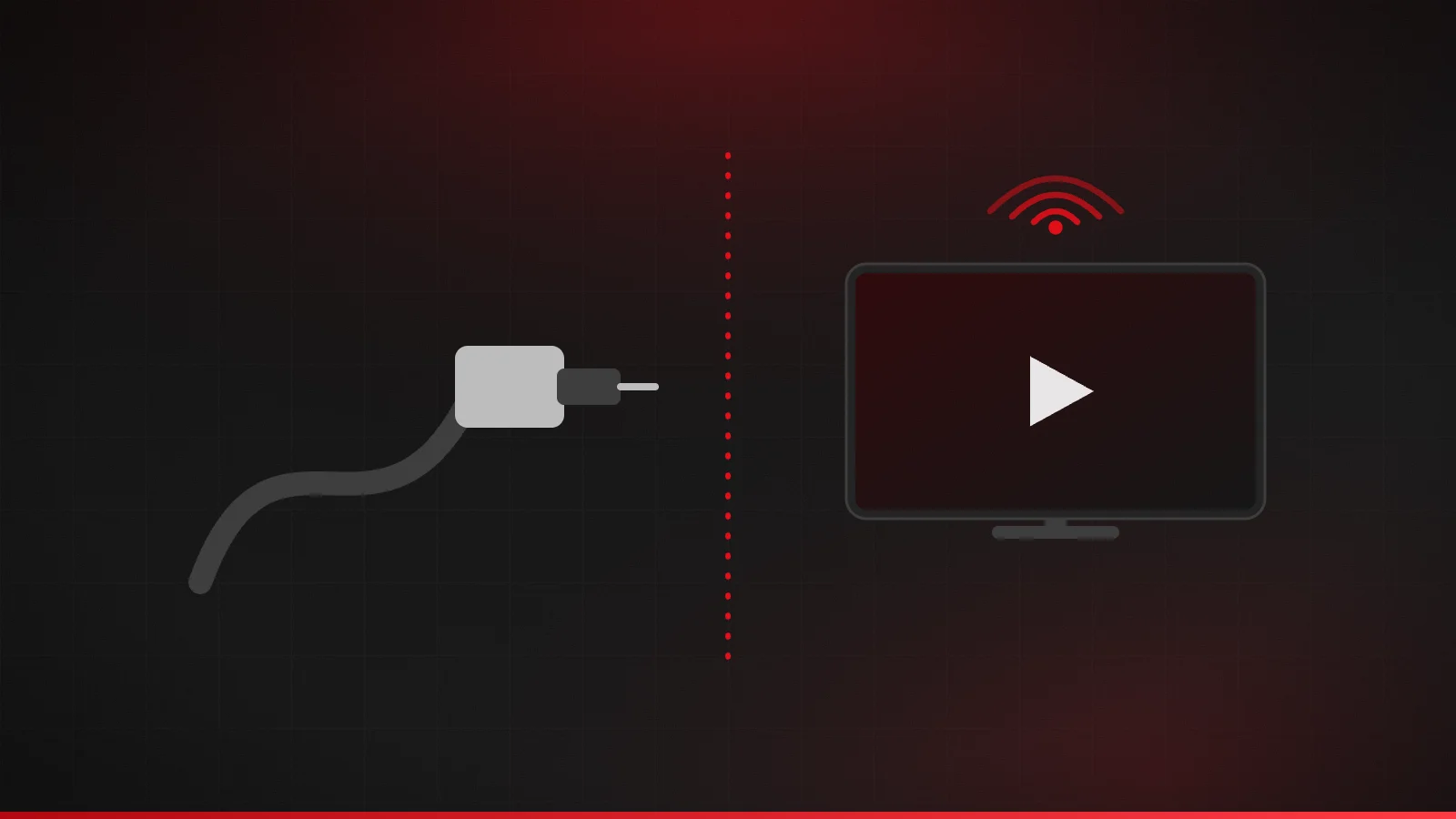
IPTV vs cable TV: costs, setup and trade-offs
IPTV or cable? Compare delivery, total cost, equipment, reliability and contracts, and see when cable is still the better choice for a US household.
4 min read
United States
IPTV in the USA means watching TV over your home broadband instead of through a cable or satellite box. IPTV Fox TV is set up for US households: it works through player apps on the streaming devices Americans already use, and we publish clear guidance on the broadband, devices and legal basics you need to know before you buy.
| Device | IPTV app availability | Guide |
|---|---|---|
| Amazon Fire TV (Fire OS) | Wide choice from the Amazon Appstore | Firestick guide |
| Amazon Fire TV (Vega OS, e.g. Fire TV Stick 4K Select) | Amazon Appstore apps for Vega only | Firestick guide |
| Google TV / Android TV | Widest choice from Google Play | Android guide |
| Samsung / LG Smart TVs | Moderate; varies by model year | Smart TV guide |
| Apple TV, iPhone, iPad | Good choice from the App Store | Apple guide |
| Roku | Very limited | Smart TV guide |
In many US neighborhoods, internet speeds dip in the evening when everyone is online, which is exactly when you want to watch. Run a speed test on your TV at that time, not in the morning. Some US internet providers also apply monthly data caps. Streaming several hours of HD a day adds up quickly, so check your plan's allowance.
With four main time zones across the continental US, a program guide has to show the right local times. Player apps convert guide times using your device's time-zone setting, so set the time zone correctly on your TV or streaming stick. Our EPG guide explains how to fix shifted times.
IPTV technology is legal in the United States. What matters is whether a service has the rights to what it streams. Since the Protecting Lawful Streaming Act of 2020, operating an unauthorized commercial streaming service has been a federal felony. We explain what that means for viewers in Is IPTV legal in the US?.
Cable doesn't depend on your home internet, but it usually means rented boxes, installation visits and longer contracts. IPTV uses devices you own and is easy to add to another room, but it needs reliable broadband. Our IPTV vs cable TV comparison covers costs and trade-offs, including when cable is still the better choice.
The full checklist is in how to choose an IPTV provider.
Your subscription comes as standard login details — Xtream Codes (server URL, username, password) or M3U playlist URL — which you enter into a compatible player app on your TV, streaming stick, phone or tablet.
Step-by-step guides for Fire TV, Android TV, Smart TVs and Apple devices, plus troubleshooting help for buffering, login errors and program-guide issues.
An electronic program guide shows what's on now and next, so you can browse channels the way you would with a cable box.
Full access to HD and 4K content
Plans allow up to 5 simultaneous connections, so different rooms can watch at the same time.
Get help from the IPTV Fox TV team (24/7).
Every plan lists its term, price and connection limit up front, with the same details on every page.
Plans
Number of devices
1 Device · single connection
$19.00
Trying the service with a short commitment
Choose 1 Month, 1 Device1 Device · single connection
$39.00
≈ $13.00 per month
A season of viewing without a long commitment
Choose 3 Months, 1 Device1 Device · single connection
$56.00
≈ $9.33 per month
Households that already know the service suits them
Choose 6 Months, 1 Device1 Device · single connection
$79.00
≈ $6.58 per month
The longest term, renewed once a year
Choose 12 Months, 1 Device2 Devices · simultaneous connections
$25.00
Trying the service with a short commitment
Choose 1 Month, 2 Devices2 Devices · simultaneous connections
$75.00
≈ $25.00 per month
A season of viewing without a long commitment
Choose 3 Months, 2 Devices2 Devices · simultaneous connections
$89.00
≈ $14.83 per month
Households that already know the service suits them
Choose 6 Months, 2 Devices2 Devices · simultaneous connections
$119.00
≈ $9.92 per month
The longest term, renewed once a year
Choose 12 Months, 2 Devices3 Devices · simultaneous connections
$43.00
Trying the service with a short commitment
Choose 1 Month, 3 Devices3 Devices · simultaneous connections
$69.00
≈ $23.00 per month
A season of viewing without a long commitment
Choose 3 Months, 3 Devices3 Devices · simultaneous connections
$99.00
≈ $16.50 per month
Households that already know the service suits them
Choose 6 Months, 3 Devices3 Devices · simultaneous connections
$149.00
≈ $12.42 per month
The longest term, renewed once a year
Choose 12 Months, 3 Devices4 Devices · simultaneous connections
$56.00
Trying the service with a short commitment
Choose 1 Month, 4 Devices4 Devices · simultaneous connections
$79.00
≈ $26.33 per month
A season of viewing without a long commitment
Choose 3 Months, 4 Devices4 Devices · simultaneous connections
$110.00
≈ $18.33 per month
Households that already know the service suits them
Choose 6 Months, 4 Devices4 Devices · simultaneous connections
$199.00
≈ $16.58 per month
The longest term, renewed once a year
Choose 12 Months, 4 Devices5 Devices · simultaneous connections
$67.00
Trying the service with a short commitment
Choose 1 Month, 5 Devices5 Devices · simultaneous connections
$99.00
≈ $33.00 per month
A season of viewing without a long commitment
Choose 3 Months, 5 Devices5 Devices · simultaneous connections
$129.00
≈ $21.50 per month
Households that already know the service suits them
Choose 6 Months, 5 Devices5 Devices · simultaneous connections
$260.00
≈ $21.67 per month
The longest term, renewed once a year
Choose 12 Months, 5 DevicesFAQ
See all questions on the FAQ page or follow the installation guide.
The best one for you is a service that's legitimate, works on the devices you own, publishes clear plan terms, gives you a low-risk way to test, and has support you can reach. Our provider checklist walks through each point, and you can apply it to us too.
No. IPTV only needs a broadband internet connection and a compatible device such as a Fire TV, Google TV, Smart TV, Apple TV, phone or tablet.
Yes. Streaming video uses data, and some US internet providers apply monthly data caps. An HD stream can use several gigabytes per hour, so check your plan if you watch a lot.
Roku only installs apps from its own Channel Store, which has very few IPTV players. Most Roku owners add a Google TV or Fire OS streaming device instead. See IPTV on Smart TVs.
Player apps convert guide times using your device's time-zone setting. If times look shifted, check the device time zone first. Read how IPTV program guides work.
IPTV or cable? Compare delivery, total cost, equipment, reliability and contracts, and see when cable is still the better choice for a US household.
4 min read
IPTV technology is legal in the US, but services need rights to what they stream. What the Protecting Lawful Streaming Act covers, and red flags.
4 min read

Internet speed requirements for IPTV in HD and 4K, based on FCC and Netflix guidance, plus how to plan bandwidth for several screens and test your real speed.
4 min read
Check your device, compare plans, and follow a step-by-step guide to start watching.
Contact us
Questions, plans or setup help · 24/7