IPTV explained
What is an EPG in IPTV?
By the IPTV Fox TV editorial teamLast reviewed 4 min read
Short answer
An EPG (electronic program guide) is the on-screen TV guide that shows what's on each channel now and next. In IPTV, the guide is a separate data feed — usually in the XMLTV format — that your player app downloads and matches to your channels. If the guide is missing or shows the wrong times, the cause is almost always a missing EPG link, mismatched channel IDs or a time-zone offset.
What the EPG does
Without a guide, an IPTV app is just a list of channel names. The EPG adds program titles, start and end times, descriptions and sometimes artwork, so you can browse a grid like a cable box, see what's coming up and use catch-up or reminders where the app supports them.
How IPTV guide data works
- Your provider publishes guide data as a file, usually in XMLTV format (an XML file listing channels and programs with times).
- Your player app downloads that file — directly from an EPG URL, or automatically through an Xtream Codes login.
- The app matches each guide entry to a channel using an ID. In M3U playlists this is the tvg-id attribute on each channel.
- The app shows programs in your local time, based on the time stamps in the guide and your device's time-zone setting.
How to add an EPG to your player app
- Xtream Codes login: the guide usually loads automatically. Look for an "Update EPG" or "Refresh guide" option if it doesn't.
- M3U playlist: find the app's EPG or XMLTV setting and paste the guide URL your provider supplies. Some playlists include the guide link in their header, and the app picks it up automatically.
- Let the first download finish. Guides for many channels can be large and take a while on older streaming sticks.
See M3U playlists explained and Xtream Codes login explained for the login side of setup.
Fixing EPG problems
| Problem | Likely cause | Fix |
|---|---|---|
| No guide at all | No EPG URL added, or download failed | Add or refresh the EPG; check your connection |
| Guide on some channels only | Channel IDs don't match guide entries | Report the channels to your provider |
| Times off by a few hours | Time-zone offset | Check the device time zone, then the app's EPG time-shift setting |
| Guide stops after a day or two | Guide not refreshing | Set the app to update the EPG automatically, or refresh it manually |
| App slow after loading the guide | Large guide file on a low-memory device | Clear the app cache; reduce the number of guide days if the app allows |
Time zones and US viewers
The continental United States spans four main time zones (Eastern, Central, Mountain and Pacific). Guide data is usually stored in a standard time reference, and your app converts it using the device's time-zone setting. If programs look shifted by exactly one to three hours, first check that the streaming device's time zone is correct. Only then use the app's EPG time-shift (offset) setting to correct it.
Using the guide as your IPTV schedule
Many people search for an “IPTV schedule” when what they want is the guide itself. In most player apps you can scroll forward through the grid to see what's coming up today and on the following days, open a program for its description, and in some apps set a reminder so the channel opens when the show starts. Searching the guide by title is the quickest way to find when a particular game or episode is on.
How far ahead you can look depends on your provider's guide data, not the app. Some services publish a day or two of listings; others cover a week or more.
How many days of guide data do you need?
- One to two days is enough for channel surfing and evening viewing.
- Several days helps you plan around sports and premieres.
- Fewer days loaded means faster updates on older streaming sticks. Some apps let you limit how many days they keep.
Choosing a player app with a good guide
Guide layouts differ a lot between apps. TV-first apps show a cable-style grid that's easy to browse with a remote; phone-first apps often show the guide per channel instead. If the guide matters to you, compare apps before committing. Our guides to TiviMate and IPTV Smarters Pro describe how each one handles it.
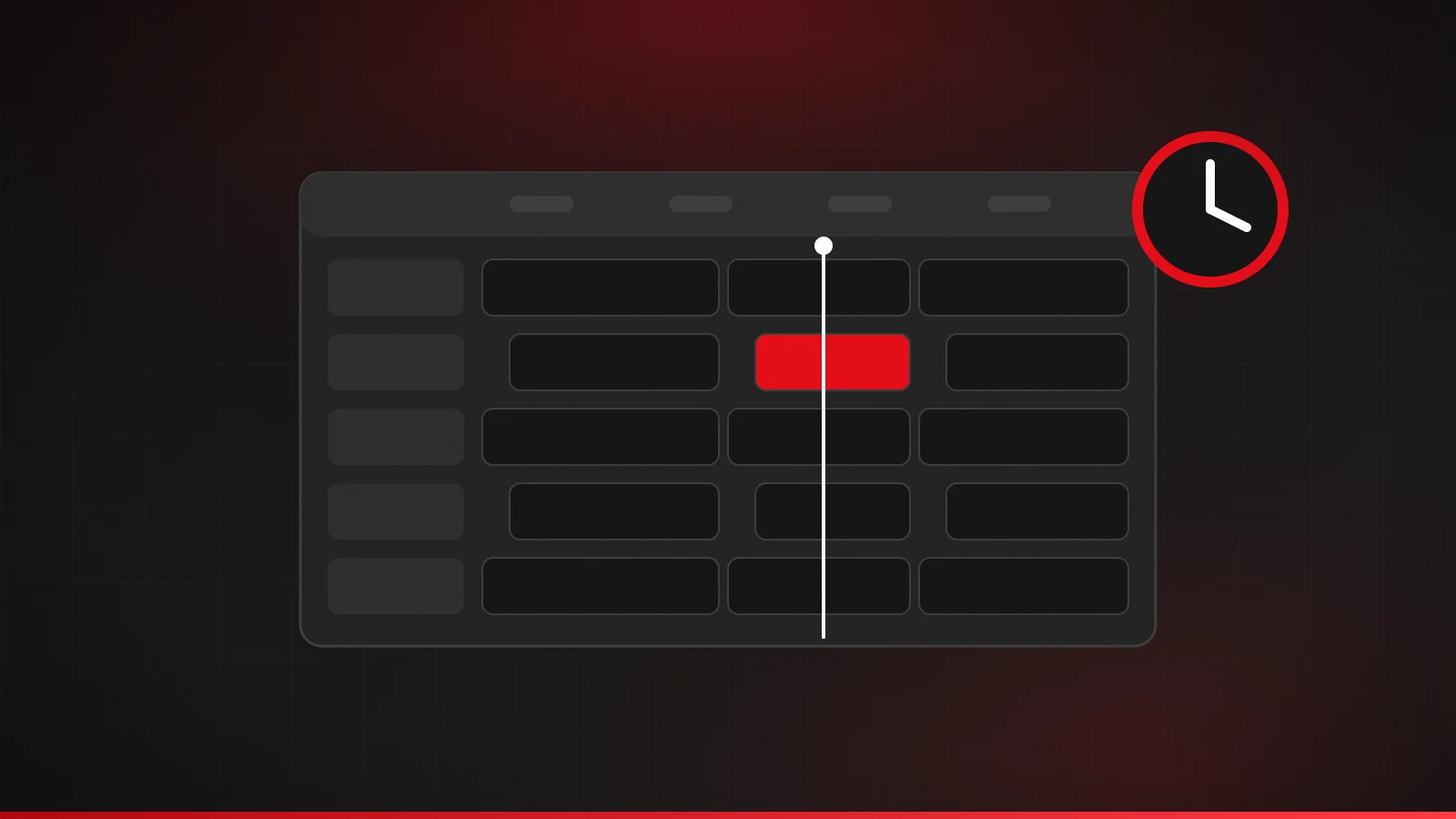
Reading the guide grid
- Channel column: the channel list down the left, usually in the same order as your playlist or favorites.
- Time ruler: the hours across the top. The grid scrolls left and right through time.
- Now line: a vertical marker showing the current time; programs crossing it are on air now.
- Program cells: wider cells mean longer programs. Select one for its title, description and times.
If the grid looks crowded, hide the channel groups you never watch; a shorter guide is far easier to scan with a remote and updates faster.
EPG, catch-up and recording
The guide is also what makes catch-up and reminders possible: you pick a past or upcoming program from the grid. Whether those features work depends on the service and the app. Check IPTV Fox TV's features to see what is included.
Frequently asked questions
Can I use a guide from a different source?
Some player apps accept any XMLTV link, but a guide only works when its channel IDs match your playlist's tvg-id values, so a provider's own guide is usually the most reliable.
Why does my IPTV schedule only show today?
Your provider's guide data may only cover a short period, or the app may be set to keep fewer days. Check the app's EPG settings, then ask your provider how many days they supply.
What does EPG stand for?
Electronic program guide (electronic program guide in US spelling): the on-screen schedule of what's on each channel.
What is XMLTV?
A widely used XML format for TV listings. Most IPTV player apps can read an XMLTV guide from a URL.
Why is my IPTV guide empty for some channels?
Usually because those channels don't have matching IDs in the guide data. Report them to your provider.
Related guides
M3U playlists explained
What an M3U playlist is, what's inside an IPTV M3U file, how to add an M3U URL to a player app, and how to keep your playlist link private.
4 min read
IPTV troubleshooting: common errors and how to fix them
Fix common IPTV errors: login failed, account expired, max connections, channels not playing, black screen, no sound, missing guide and app crashes.
4 min read
IPTV glossary: common terms explained
Plain-English definitions of common IPTV terms: M3U, Xtream Codes, EPG, XMLTV, VOD, catch-up, connections, bitrate, HEVC, buffering, latency and more.
4 min read