Buying & comparison
IPTV vs cable TV: costs, setup and trade-offs
By the IPTV Fox TV editorial teamLast reviewed 4 min read
Short answer
IPTV streams TV over your broadband connection to apps on devices you already own, while cable delivers channels over a dedicated coaxial network to a provider's box. IPTV usually means less equipment and shorter commitments; cable is less dependent on your home internet. The right choice depends on your broadband quality, how many screens you use and which channels you need.
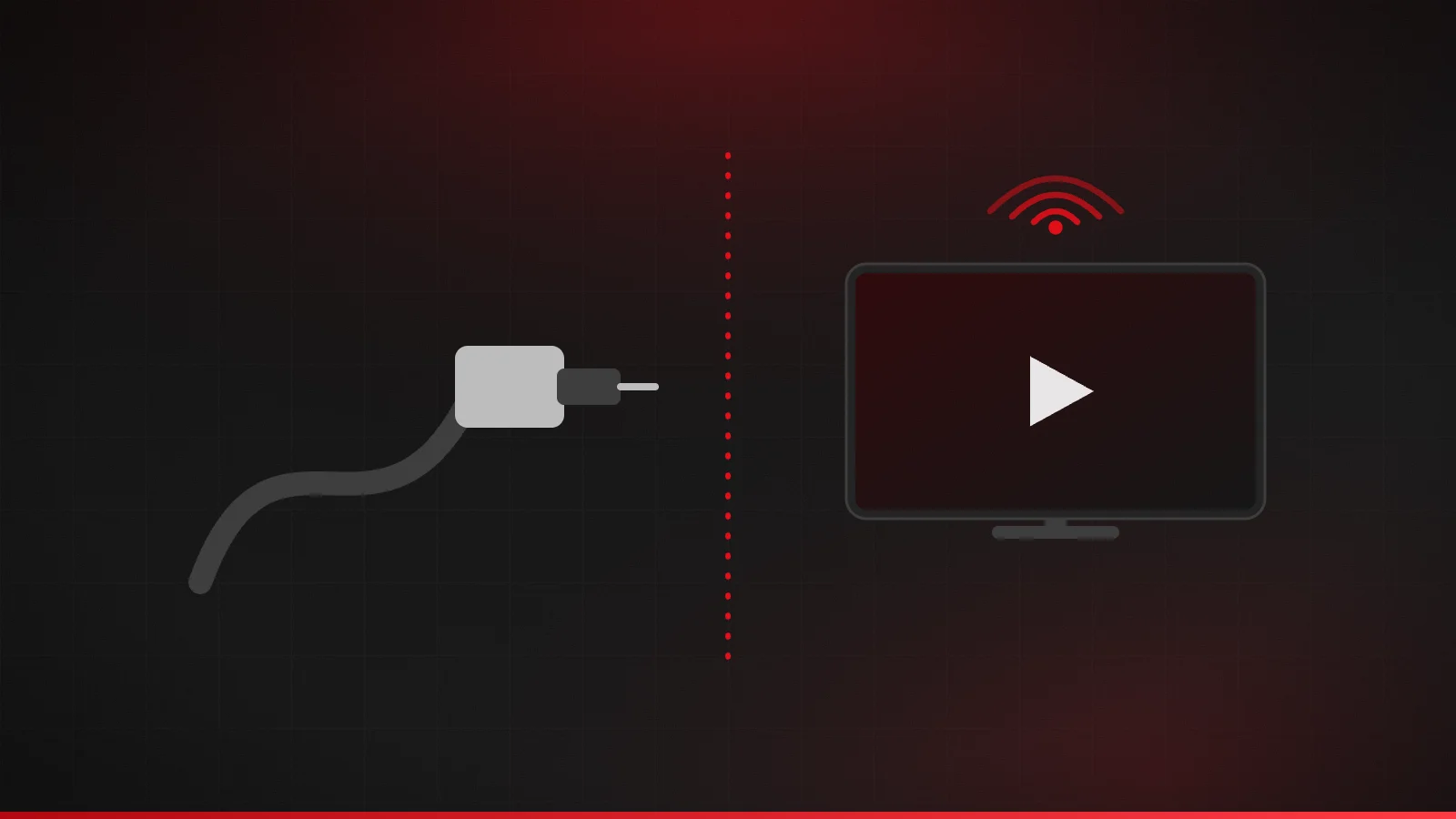
How each one reaches your TV
Cable TV sends channels down a coaxial cable network that the provider manages end to end, usually to a set-top box rented from them. IPTV sends channels as data over the public internet or a provider's IP network to an app on your TV, streaming stick, phone or computer. For the technical background, see what IPTV is and how it works.
Side-by-side comparison
| Factor | IPTV | Cable TV |
|---|---|---|
| Equipment | Devices you already own, plus a player app | Provider's set-top box, often with a monthly rental fee per TV |
| Installation | Self-install in minutes | Often a technician visit |
| Contracts | Often monthly or fixed prepaid terms | Frequently 12–24 month agreements or promotional pricing |
| Extra rooms | Add a device; check the plan's connection limit | Usually an additional box per TV |
| Depends on home internet | Yes — slow or unstable Wi-Fi shows up as buffering | No — separate from broadband |
| Watching away from the TV | Phones, tablets and laptops via the same app | Depends on the provider's app and rights |
| Local channels | Varies by service | Typically included |
What you actually pay for
When comparing costs, add up the total monthly cost, not just the advertised price. For cable, that includes box rental, broadcast and regional sports fees, taxes and the price after any promotional period ends. For IPTV, include the subscription, any one-time cost for a streaming device, any paid player app and — importantly — the broadband plan you need to support it.
- Cable: base package + equipment fees + surcharges + post-promo increases.
- IPTV: subscription + streaming device (if needed) + player app (if paid) + adequate broadband.
If you already pay for fast broadband, IPTV often adds less to your bill. If you'd need to upgrade your internet plan to stream reliably, include that cost.
Reliability: where each one wins
Cable's dedicated network means picture quality doesn't depend on your Wi-Fi or other people in the house downloading files. IPTV performance depends on your broadband and home network, so a busy household on a slow plan will notice it. The FCC suggests at least 25 Mbps for 4K streaming and more than 25 Mbps for households running several high-demand activities at once — see internet speed for IPTV.
When cable may be the better choice
- Your broadband is slow, capped or unreliable, and you can't upgrade it.
- You need specific local or regional channels that a given IPTV service doesn't carry.
- You want a single provider-managed box with no setup at all.
When IPTV may be the better choice
- You already have reliable broadband of 25 Mbps or more.
- You'd rather use your own Fire TV, Google TV, Apple TV or Smart TV instead of rented boxes.
- You want to watch on phones and tablets around the house.
- You prefer shorter commitments to long contracts.
Build your own cost comparison
Advertised prices rarely tell the whole story, so compare line by line using your real bills and quotes:
| Cable bill | IPTV setup |
|---|---|
| Base package after any promotion ends | Subscription for the term you'd buy, divided by months |
| Box or DVR rental per TV | One-time cost of a streaming device, if you need one |
| Broadcast TV and regional sports fees | Any player-app purchase |
| Taxes and other surcharges | Any broadband upgrade needed to stream reliably |
Spread one-time costs over a year to compare like with like, and remember that you'll keep paying for broadband either way. If your TV and internet come as a bundle, ask what the internet-only price would be before you decide.
A hybrid option: keep an antenna for local channels
Many US households pair an IPTV or streaming service with an over-the-air antenna. Local broadcast stations are free to receive with an antenna in many areas, and over-the-air reception doesn't depend on your internet connection, which makes it a useful backup during outages. The FCC's DTV reception maps show which stations you're likely to receive at your address.
Questions to ask before you cancel cable
- Is there an early-termination fee, and when does my contract end?
- Which equipment must be returned, and by when?
- Will my broadband price change if I drop the TV part of a bundle?
- Have I tested IPTV during the evening, when my connection is busiest?
Making the switch
- Check your broadband speed on the device you'll watch on.
- List the channels you actually watch, and confirm a service carries them.
- Test on your devices with a trial or short plan before canceling cable.
- Check your cable contract for early-termination fees and equipment return rules.
Frequently asked questions
Can I still get local channels without cable?
Often yes. An over-the-air antenna picks up local broadcast stations for free in many areas, and some streaming services include local stations. Check the FCC's reception maps for your address.
Do I need new TVs to switch from cable to IPTV?
Usually not. A streaming stick or box plugged into an HDMI port turns most existing TVs into IPTV-capable screens.
Is IPTV cheaper than cable?
Often, once equipment rental and surcharges are counted, but it depends on the service and whether you need faster broadband. Compare total monthly costs.
Does IPTV work during an internet outage?
No. IPTV needs a working internet connection. Cable TV can keep working when broadband is down, unless both share the same failed line.
Can I keep cable and try IPTV at the same time?
Yes. Many people test IPTV for a month before canceling cable.
Related guides
How much internet speed do you need for IPTV?
Internet speed requirements for IPTV in HD and 4K, based on FCC and Netflix guidance, plus how to plan bandwidth for several screens and test your real speed.
4 min read
What is IPTV and how does it work?
IPTV explained in plain English: what Internet Protocol Television is, how channels reach your TV over broadband, and how it compares with cable.
4 min read
How to choose the best IPTV service
A practical checklist for choosing an IPTV provider in the US: legitimacy, device support, plan terms, trials and refunds, support and payment safety.
4 min read