Plans & usage
Using IPTV on multiple devices
By the IPTV Fox TV editorial teamLast reviewed 4 min read
Short answer
Most IPTV plans limit how many devices can stream at the same time, not how many devices you install the app on. A "connection" is one active stream. If two TVs and a phone may be watching at once, you need a plan with at least three connections — and enough bandwidth for all three streams.
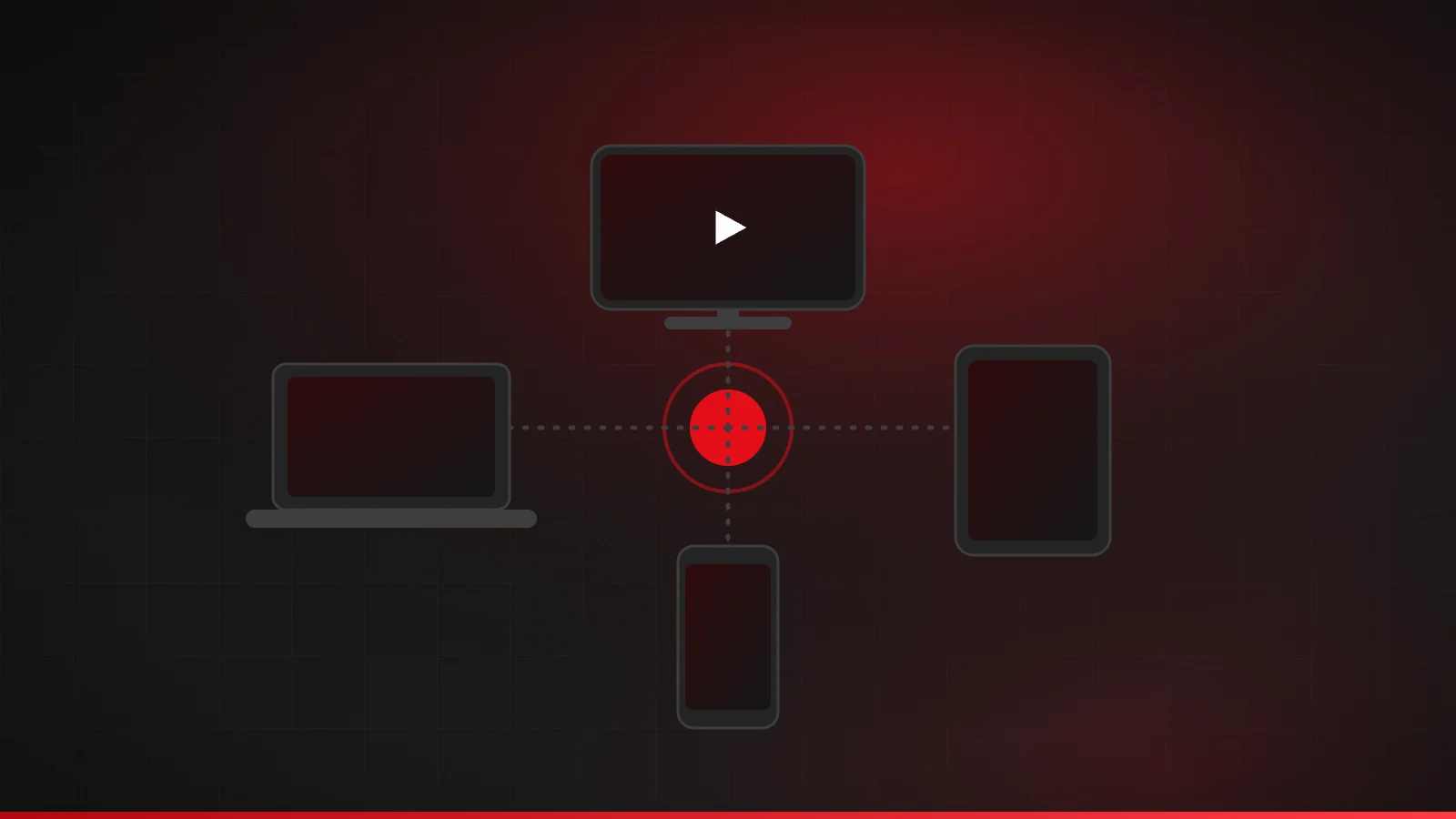
Installed devices vs simultaneous connections
With most IPTV services you can set up your login on several devices — a living-room TV, a bedroom stick and your phone. What's limited is how many of them can play at the same moment. Each active stream uses one connection. When you stop watching on one device, that connection frees up for another.
How many connections do you need?
- Think about your busiest viewing time, such as a weekend evening or a big game.
- Count every screen that might be streaming at that moment — including phones and tablets in other rooms.
- That number is the minimum connections you need. Consider one extra if guests or kids often watch at the same time.
| Household | Typical peak use | Connections |
|---|---|---|
| Solo viewer | One TV, occasionally a phone (not at the same time) | 1 |
| Couple | Living-room TV + a second TV or tablet | 2 |
| Family | Two TVs + one or two tablets | 3–4 |
What happens if you exceed the limit?
Usually the extra device shows an error such as "max connections reached", or another device's stream stops. Repeatedly going over the limit — or sharing a login outside your household — can breach a provider's terms. If it happens and you're sure only your own devices are watching, an app may still be holding a connection open: close the app fully on devices you're not using.
Bandwidth for several streams
Every extra connection needs its own bandwidth. Using the FCC's guidance as a planning base, allow roughly 8 Mbps per HD stream and 25 Mbps per 4K stream, then add headroom for other internet use. Two HD TVs and a 4K TV need around 41 Mbps for streaming alone. The internet speed guide has more examples.
Setting up several devices
- Use the same player app on each device where possible, so menus and favorites work the same way.
- Give each device's playlist a recognizable name ("Living room", "Bedroom").
- Set up the program guide on each device — it downloads separately.
- Keep a note of which devices have your login, so you can remove it from any you sell or give away.
The IPTV setup guide has instructions for each device type.
Typical household scenarios
| Household | What's playing at the busiest moment | Connections |
|---|---|---|
| Couple, one TV | Living-room TV only; phone occasionally but not at the same time | 1 |
| Couple, two TVs | Game on the living-room TV while a show plays in the bedroom | 2 |
| Family of four | Two TVs plus a tablet in the kitchen | 3 |
| Large household | Three TVs plus a phone or tablet | 4–5 |
Count honestly for the busiest evening of the week, not an average night. Too few connections is the most common cause of “max connections reached” messages.
Managing connections day to day
- Fully close the player app on devices you've finished with. Some keep a stream open in the background.
- Give each device's playlist a clear name so you can tell them apart in the app.
- Remove your login from devices you no longer use, sell or give away.
- If you regularly hit the limit, move up a plan rather than juggling devices.
A bandwidth example
Picture a living-room TV watching a game in 4K, plus HD streams in the bedroom and on a tablet. Using FCC-based planning figures of 25 Mbps for 4K and 8 Mbps per HD stream, that's 41 Mbps for video alone. Add headroom for phones, video calls and downloads, and a 75–100 Mbps plan gives comfortable room. On a 25 Mbps plan, the same evening would almost certainly buffer.
Watching away from home
Many plans can be used on a phone or tablet outside the home, but providers set their own rules on where and how many locations a login can be used from. Check your plan's terms before travelling, and remember each stream still counts as a connection.
Signs you need more connections
- You see “max connections reached” several times a week.
- Family members regularly ask who's watching before they start a stream.
- Streams stop on one TV when someone opens the app on another device.
- You've added a new TV or a teenager now watches on their own device.
If two or more of these sound familiar, compare plans by the number of simultaneous connections first and the term length second. The plans and pricing page lists every device option side by side.
Choosing the right plan
Buying more connections than you use wastes money, but too few leads to interruptions at the worst moment. Start from your peak-time count, then check IPTV Fox TV plans and pricing for the connection limit on each plan. The features page explains how multi-screen viewing works with our service.
Frequently asked questions
Do different devices need the same player app?
No. Each device can use whichever compatible app suits it, though using the same app everywhere keeps menus and favorites consistent.
Does pausing a stream free up a connection?
Not always. Some apps keep the stream open while paused. Stop playback or close the app to be sure.
Can I install IPTV on more devices than my connection limit?
Usually yes. The limit typically applies to devices streaming at the same time. Check your plan's terms to be sure.
Does watching on my phone count as a connection?
Yes. Any device actively streaming uses a connection, whatever its size.
Can I use my IPTV subscription in two different homes?
Most providers limit use to a single household. Check the terms of service before doing this.
Related guides

How much internet speed do you need for IPTV?
Internet speed requirements for IPTV in HD and 4K, based on FCC and Netflix guidance, plus how to plan bandwidth for several screens and test your real speed.
4 min read
How to choose the best IPTV service
A practical checklist for choosing an IPTV provider in the US: legitimacy, device support, plan terms, trials and refunds, support and payment safety.
4 min read

IPTV account security and privacy
Protect your IPTV account: keep logins private, choose trustworthy apps, pay safely, spot phishing and know what to do if your account is misused.
4 min read